
Flux 與 Midjourney:2026 年哪種 AI 影像產生器比較好?
For more details, visit Hootsuite social media blog
Why I Tested Both Flux and Midjourney in 2026
Over the past few months, I have spent dozens of hours generating thousands of images across two of the most talked-about AI image generators: Flux by Black Forest Labs and Midjourney, the longtime favorite of designers and creatives. I wanted to find out which one truly delivers better results for real work. If you are deciding where to invest your time and money in 2026, this comparison gives you practical, honest answers.
I tested both on product photography, concept art, social media graphics, text rendering, and photorealistic portraits. I evaluated image quality, prompt understanding, pricing, style control, API access, speed, and licensing.
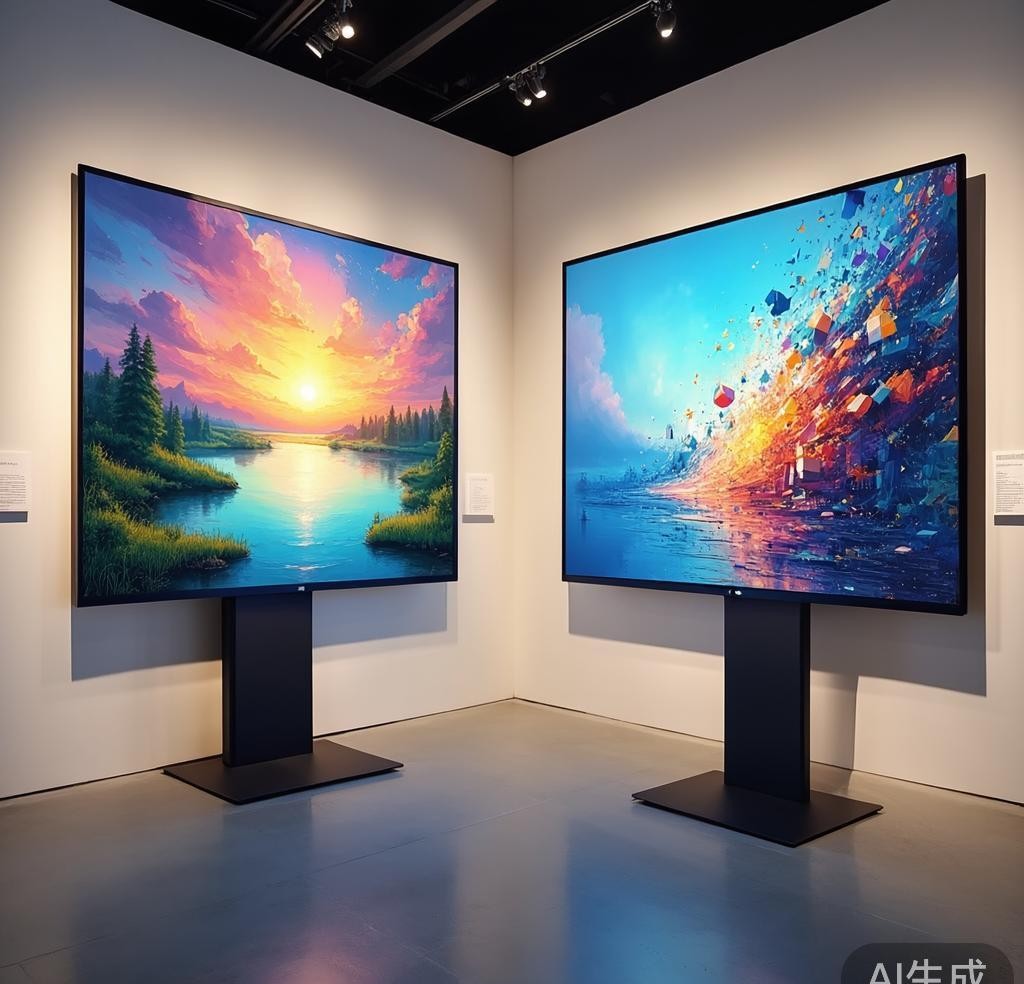
Image Quality: A Closer Look at the Output
Image quality is the single most important factor for most people choosing an AI image generator, and this is where things get genuinely interesting. Both Flux and Midjourney produce stunning visuals, but they excel in different areas.
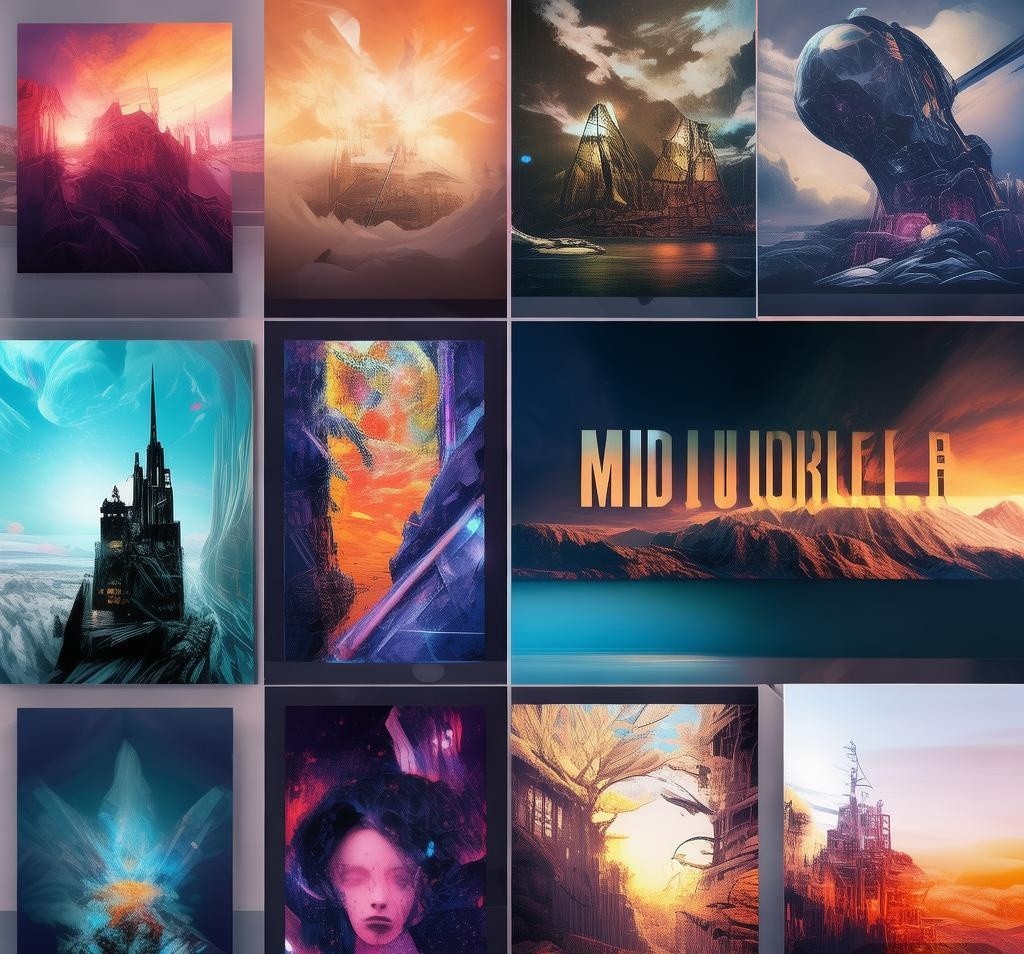
Midjourney has a distinctive aesthetic signature. Its images have a painterly, cinematic quality that makes everything look curated and polished. Colors are rich, compositions feel deliberate, and there is a moody elegance that is hard to replicate. For artistic work and mood boards, Midjourney remains strong. Version 6.1 improved photorealism, but that stylized look persists.
Flux leans harder into raw realism and technical accuracy. When I asked both tools to generate a photorealistic kitchen interior, Flux produced an image that looked like it was shot with a high-end DSLR — correct lighting, realistic textures, and believable depth. Midjourney’s result was beautiful but felt more editorial than photographic. Flux also handles fine details like text, small objects, and complex scenes with more precision.
For photorealistic product shots, I give the edge to Flux. For artistic and stylized imagery, Midjourney still holds its own. For the best raw image quality across varied subjects, Flux has pulled ahead in 2026. For more details, visit Google AI Studio.
Prompt Understanding: Who Follows Instructions Better
Prompt adherence is where I noticed the biggest gap. This matters more than most people realize — if the model cannot follow your instructions, you waste time re-rolling and re-prompting.
Flux uses a multimodal architecture that genuinely understands complex prompts. I tested with: “A golden retriever sitting on a red velvet couch in a sunlit living room, wearing a tiny blue bow tie, with books on the coffee table, shot from a low angle.” Flux nailed nearly every element — the breed, couch color, bow tie, books, and camera angle. Eight out of ten generations included all elements correctly.
Midjourney handled simpler prompts well but struggled with multi-element compositions. In the same test, it frequently dropped the bow tie or ignored the camera angle. Midjourney interprets prompts more artistically, sometimes prioritizing aesthetics over accuracy — great for exploration, frustrating when you need specific elements.
For users who need precise control over image content, Flux is the clear winner in prompt understanding. Midjourney is better suited for exploratory creative work where you are happy to let the model surprise you.
定價比較:哪一個適合您的預算
定價結構根本不同,正確的選擇取決於您計劃如何使用它們。
Midjourney 採用簡單的訂閱模式。您支付月費並獲得一定數量的快速生成。基本套餐價格為 10 美元/月,可為您提供大約 200 次快速生成,對於休閒使用來說還不錯。標準套餐價格為 30 美元/月,包括 15 個快速小時和無限次的輕鬆世代,這對於大多數普通用戶來說是最佳選擇。
Flux 較靈活,但價格複雜。作為開放權重模型,您可以透過 Replicate、Fal.ai、Together AI 等來存取它,每個模型的定價都不同。您也可以自行託管,在 GPU 投資後,每個影像的成本幾乎為零。對於 Pro 型號,自託管至少需要 24GB VRAM – 至少是 RTX 3090 或 4090。
對於可預測的成本,中途更容易。就靈活性和大規模降低成本而言,Flux 勝出。
樣式控制與自訂
風格控制對於專業工作流程至關重要,而這兩種工具對此的處理方式有所不同。
中途提供強大的內建樣式參數。 --style raw 參數減少了預設的風格化。 --stylize(0 到 1000)控制藝術解釋。 --weird 支援實驗輸出,--chaos 增加變化。個人化功能可讓您培養自訂風格—這對於品牌工作來說是值得注意的。
Flux 採用了更具技術性但更靈活的方法。由於權重是開放的,您可以使用 LoRA(低階適應)對自己的資料集進行微調 – 訓練特定的藝術風格、角色一致性或品牌美學。該社區在 Civitai 上製作了數千個經過微調的模型。您還可以獲得指導比例、負面提示和種子控制以進行精確調整。
對於簡單的開箱即用控制,Midjourney 獲勝。對於深度定制,Flux 是無與倫比的。
API 存取與整合
對於使用 AI 映像產生功能建立產品的開發人員來說,API 存取權是不容協商的。
Flux 由於其開放重量性質而具有顯著的優勢。您不會被某一家提供者所束縛。您可以透過 BFL 運行它
Midjourney launched its official API in 2024. It works well and is documented, but you depend entirely on Midjourney’s infrastructure. No self-hosting options exist, and third-party integrations are limited compared to Flux’s rich ecosystem.
For maximum flexibility, Flux is the obvious choice. For simpler needs, Midjourney’s API works fine.
Generation Speed and Workflow Efficiency
Speed matters when iterating on designs or generating at scale.
In my testing, Midjourney on a Standard plan generates a 2×2 grid in 30 to 60 seconds. Upscaling takes an additional 10 to 20 seconds. The Discord-based workflow is intuitive for casual use but cumbersome for professional workflows. The web interface improves this significantly.
Flux generation times vary by setup. On cloud platforms, a 1024×1024 Flux Pro image takes 5 to 15 seconds. The Schnell model generates in under 3 seconds. Self-hosting on an RTX 4090, Schnell is nearly instant while Pro takes 10 to 20 seconds depending on resolution.
For raw speed, Flux Schnell is faster. For workflow convenience, Midjourney’s polished interface has an edge for non-technical users.
Licensing and Commercial Use
Licensing terms matter, especially for commercial use.
Midjourney’s terms are straightforward. With a paid subscription, you own generated images for commercial use. No per-image royalties or usage restrictions. However, you do not own the model, and terms can change.
Flux’s licensing depends on access method. The Schnell model uses Apache 2.0; the Pro model uses a custom license permitting commercial use with restrictions. Third-party APIs have their own terms. Self-hosting gives maximum freedom — unlimited images with strong legal protection.
For maximum licensing freedom, self-hosted Flux wins. For simplicity, Midjourney works fine.
Text Rendering and Typography
The gap is particularly noticeable in text rendering — generating legible, correctly spelled text within images.
Flux has impressive text rendering. I tested with prompts like “A neon sign reading ‘OPEN 24 HOURS’ on a brick wall” and “A coffee shop menu board with ‘Espresso, Latte, Cappuccino’ in chalk.” Flux produced accurate, legible text with correct spelling. Typography was occasionally inconsistent but always readable.
Midjourney has improved but still lags. Short words like “OPEN” render correctly most of the time, but longer phrases and complex typography remain hit-or-miss. I frequently encountered misspellings and garbled text.
For reliable text in images — social media graphics, mockups, signage — Flux is the clear choice.
Community and Ecosystem
The community around an AI tool matters. It affects tutorial quality, custom model availability, and problem-solving speed.
Midjourney has one of the largest AI art communities. The official Discord has millions of members, with extensive prompt guides and style references. Weekly challenges and showcases make it feel like a creative platform, not just a tool.
Flux has a rapidly growing community among open-source AI and developer crowds. Hugging Face, Civitai, and GitHub are filled with fine-tunes, LoRA adapters, and technical guides. Discussions focus on model architecture, training, and optimization — valuable for users who want deep customization.
Both communities are strong but serve different audiences: Midjourney for creatives, Flux for developers.
Head-to-Head Feature Comparison
Here is a quick-reference summary across all tested categories.
| Category | Winner | Notes |
|---|---|---|
| Image Quality (Photorealism) | Flux | More accurate textures, lighting, and detail |
| Image Quality (Artistic) | Midjourney | Signature cinematic aesthetic |
| Prompt Understanding | Flux | Better multi-element adherence |
| Pricing (Casual Use) | Comparable | Midjourney simpler, Flux more flexible |
| Style Control | Flux | Open weights enable deep customization |
| API Access | Flux | Self-hosting and multiple providers |
| Generation Speed | Flux | Schnell model is extremely fast |
| Licensing Freedom | Flux | Apache 2.0 for Schnell model |
| Text Rendering | Flux | Reliable, legible text output |
| Ease of Use | Midjourney | Polished interface, no technical setup |
| Community (Creative) | Midjourney | Larger creative community |
Which One Should You Choose in 2026
After weeks of testing, my conclusion is clear: Flux is the better overall AI image generator in 2026, particularly for users who need precision, photorealism, text rendering, or API integration. Its open-weight approach gives it an edge that will only grow.
Midjourney is still excellent for certain users. If you want a polished, easy-to-use tool with a beautiful default aesthetic and no technical setup, Midjourney delivers. It remains my recommendation for creatives who prioritize visual beauty over technical accuracy.
Check out our dedicated Midjourney review and our Midjourney vs DALL-E 3 comparison for more context.
If you are a developer or need reliable image generation at scale, start with Flux. If you are a creative who values aesthetic quality and ease of use, Midjourney will serve you well. If you can afford it, use both — each excels where the other falls short.
Frequently Asked Questions
Which tool is better for beginners?
For beginners, the tool with the most intuitive interface and free tier is usually the best starting point. Most of the tools covered in this article offer free plans or trials, so you can test them before committing to a paid subscription.
Are these tools worth paying for?
It depends on your use case. If you use the tool daily for professional work, the paid versions typically offer significantly better output quality, faster processing, and more features. For occasional use, the free tiers are often sufficient.
Can I use multiple tools together?
Yes, many professionals combine tools for different tasks. For example, you might use one tool for initial drafts and another for refinement. The key is understanding each tool’s strengths and using them accordingly.
How often do these tools update?
Most AI tools release updates every few weeks, with major feature updates quarterly. Pricing and features can change frequently, so it’s worth checking their official websites for the latest information.
Recommended AI Tools
If you found this article helpful, you might also want to explore these tools:
Disclosure: This article was generated using AI tools and reviewed by our editorial team for accuracy and quality.
- Boords - Boords is a top-rated online storyboardi
- In-App Chat - RegalBet is an online gaming site with s
- Aigency Labs - AI-powered content creation and digital
- AI ChatDocs - AI ChatDocs: Chat with documents, summar