
AI アバター ジェネレーター: 便利なツールとギミックを分離する
For more details, visit TED Talks for presentation inspiration
Last month, I spent two weeks deep-diving into every AI avatar generator I could get my hands on. I needed a consistent digital identity across platforms — something that looked like me (but better), was quick to produce, and didn’t require hiring a designer every time I needed a variation. What started as a personal project turned into a thorough comparison of over a dozen tools, and I’m sharing everything I learned. See Google helpful content guidelines for more.
Whether you’re a content creator looking for profile pictures, a marketer building video avatars, or just someone who wants a stunning AI-generated portrait, this guide covers the tools worth your time — and the ones that aren’t.
What Is an AI Avatar Generator, Exactly?
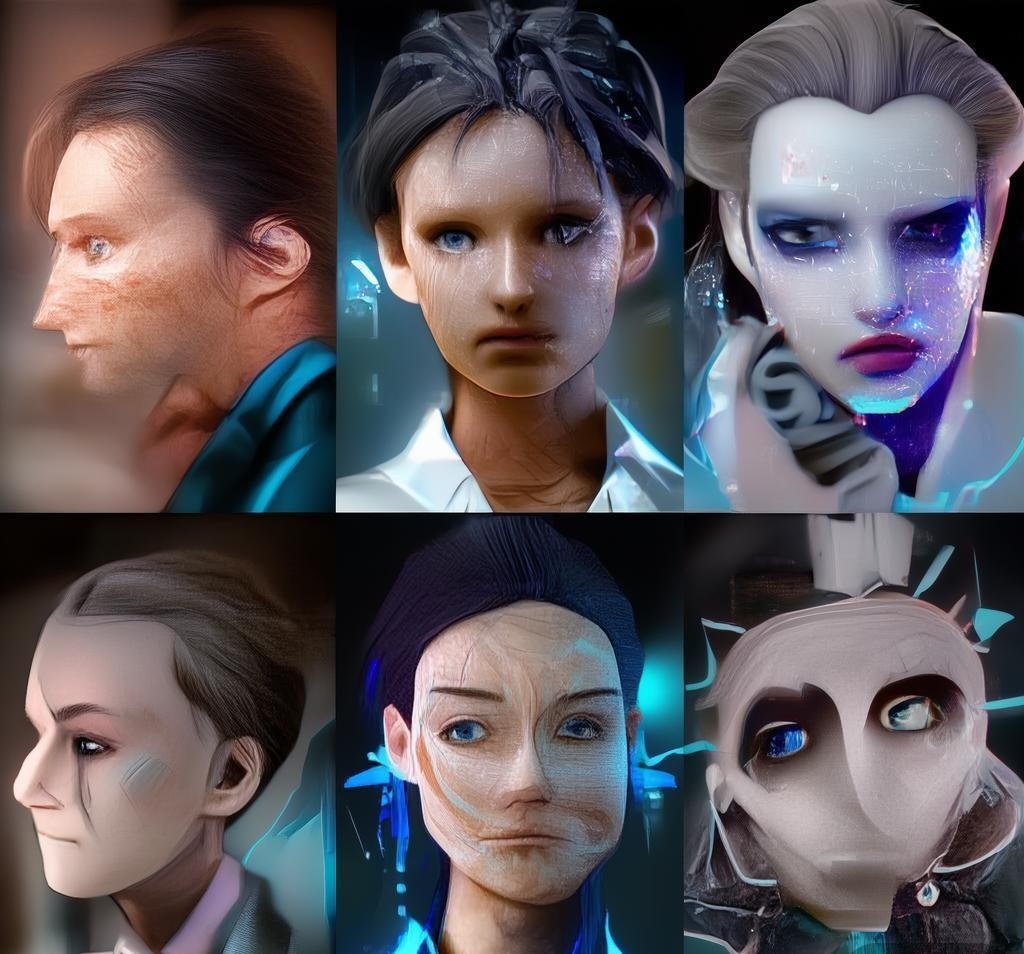
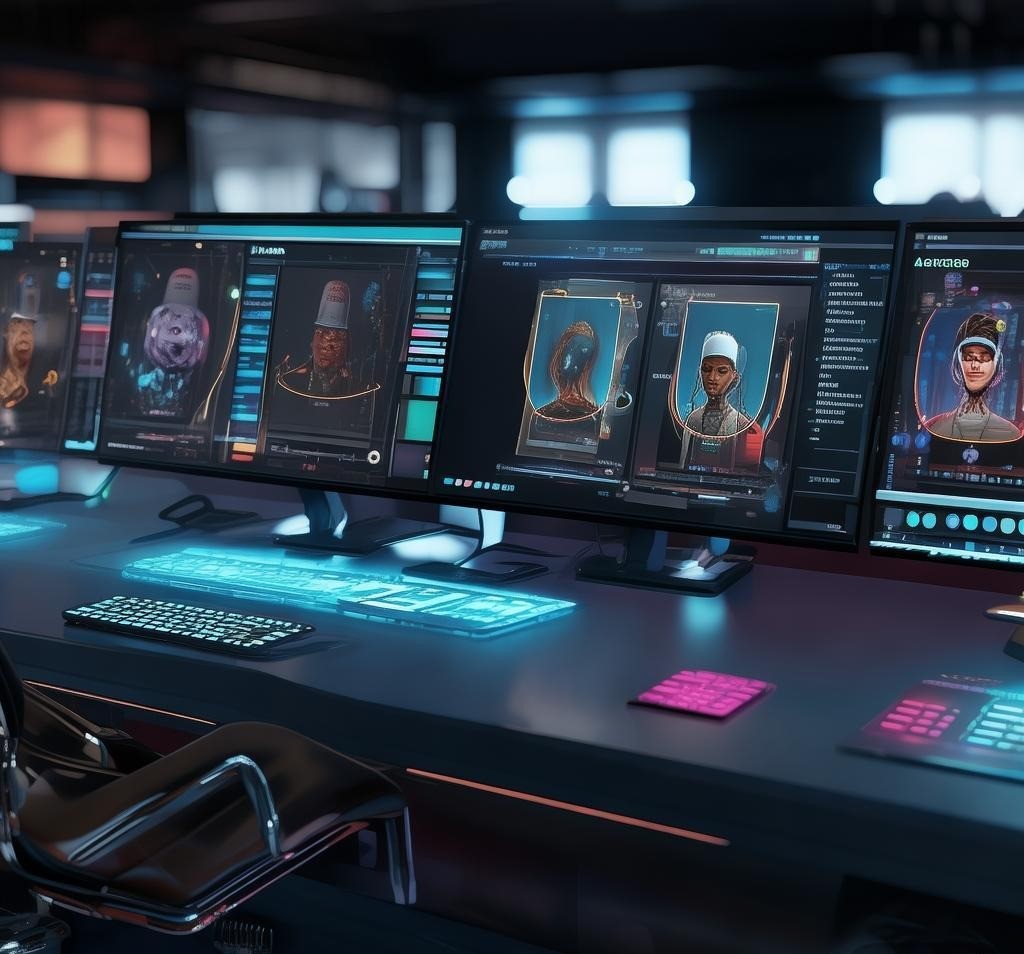
An AI avatar generator uses machine learning models (typically diffusion models or GANs) to create realistic or stylized digital representations of people. Some work from a text prompt, some from a photo upload, and some combine both. The outputs range from photorealistic headshots to anime-style characters to fully animated talking avatars.
What makes 2026 different from even a year ago is the quality ceiling. The best tools now produce results that are genuinely hard to distinguish from real photos — and the animated avatars have gotten eerily good at natural movement and lip sync.
The Two Main Categories You Need to Know
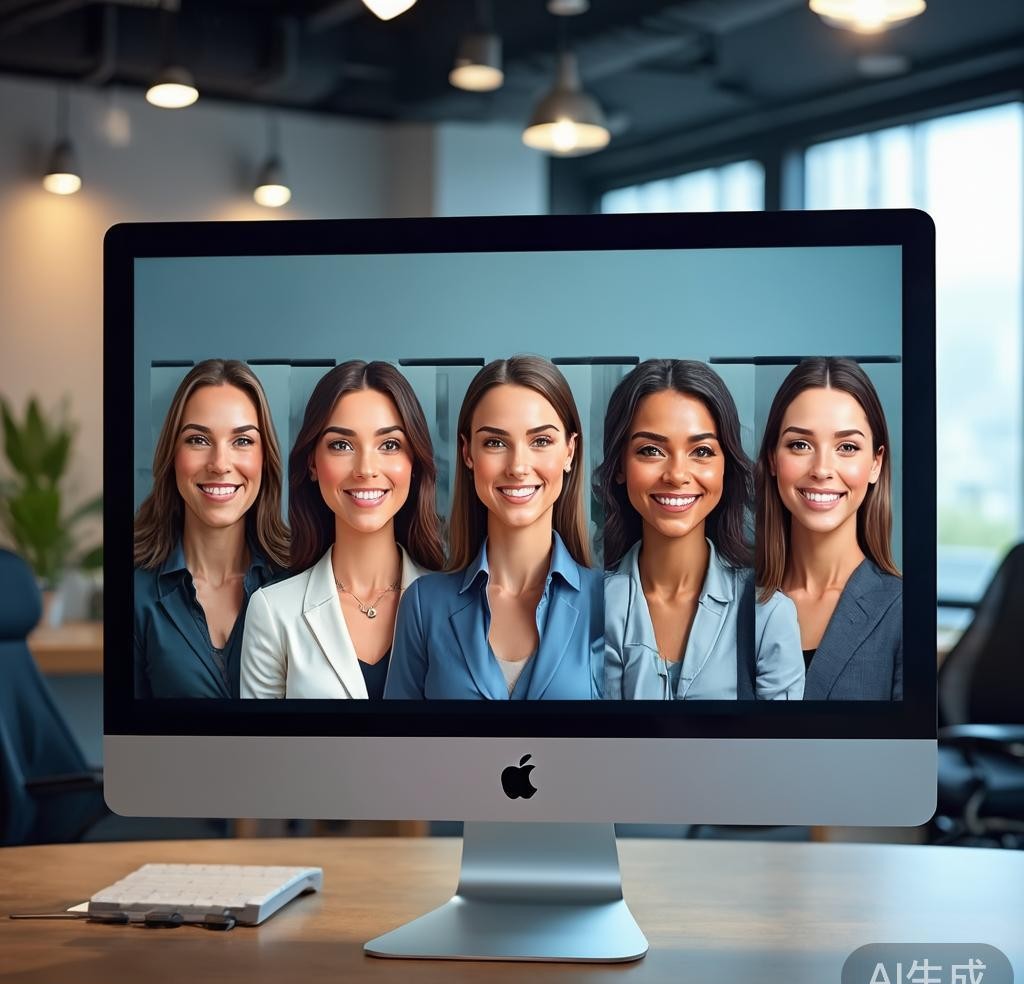
Before we get into specific tools, it helps to understand the landscape. AI avatar generators broadly fall into two camps:
Static Avatar Generators
These create still images — profile pictures, headshots, artistic portraits. You upload a few reference photos, and the AI generates variations in different styles. Think of them as your personal digital portrait studio.
Video/Talking Avatar Generators
These take things further by creating animated avatars that can speak. You type (or record) text, and the AI generates a video of a photorealistic person delivering your message with synchronized lip movement and gestures. This is where things get wild for marketing and content creation.
Best Static AI Avatar Generators
Dawn AI
Dawn AI was one of the first apps to make AI avatars mainstream, and it’s still going strong. Upload 8-12 selfies, wait about 20 minutes, and get back 50+ generated avatars in various styles. I was impressed by how well it handled different skin tones and hair textures — a common weakness in earlier AI image tools.
The quality is solid for social media use, though the avatars sometimes have a slightly “over-smoothed” look. At around $5-10 per avatar pack, it’s affordable enough to experiment with. The app has also added professional headshot styles in 2026 that actually look usable on LinkedIn.
Lensa AI
Lensa arguably kicked off the AI avatar craze, and it’s evolved significantly since. The “Magic Avatars” feature still works the same way — upload photos, get stylized portraits — but the output quality has improved dramatically. What I like about Lensa in 2026 is the style granularity. You can fine-tune how much of the original photo’s features are preserved versus how much artistic liberty the AI takes.
INVALID LANGUAGE PAIR SPECIFIED. EXAMPLE: LANGPAIR=EN|IT USING 2 LETTER ISO OR RFC3066 LIKE ZH-CN. ALMOST ALL LANGUAGES SUPPORTED BUT SOME MAY HAVE NO CONTENT
| Tool | Input Method | Output Quality | Style Variety | Starting Price | Best For |
|---|---|---|---|---|---|
| Dawn AI | Selfie upload | Good | High | $5/pack | Quick social avatars |
| Lensa AI | Selfie upload | Good–Great | Very High | $6/pack | Artistic portrait styles |
| Artbreeder | Photo/prompt + sliders | Great | Unlimited | $10/month | Creative control & design |
| Midjourney | Text prompt + optional ref | Exceptional | Unlimited | $10/month | Unique, artistic avatars |
Head-to-Head Comparison: Video Avatar Generators
| Tool | Avatar Creation | Lip Sync Quality | Languages | Voice Cloning | Starting Price |
|---|---|---|---|---|---|
| Synthesia | Pre-built + custom | Excellent | 130+ | No | $22/month |
| HeyGen | Pre-built + custom | Excellent | 40+ | Yes | $24/month |
| D-ID | Any photo | Good | 30+ | Limited | $6/month |
How to Get the Best Results From Any AI Avatar Generator
Start With Great Reference Photos
For selfie-based tools, your output is only as good as your input. Use well-lit photos with even lighting (natural light near a window works great). Avoid heavy makeup, extreme angles, and busy backgrounds. Include a mix of close-ups and slightly wider shots with different expressions.
Be Specific With Text Prompts
When using prompt-based tools like Midjourney, specificity is everything. Instead of “professional headshot,” try “professional headshot, studio lighting, dark gray background, navy blazer, confident expression, shallow depth of field, 85mm lens, photorealistic.” The more detail, the closer the result matches your vision.
Match the Tool to Your Use Case
If you just need a quick profile picture for Twitter, Dawn AI or Lensa is plenty. If you’re building a course with 20 video lessons, Synthesia or HeyGen justifies the investment. For creative projects and character design, Artbreeder or dedicated AI art tools give you the most flexibility.
Emerging Trends Worth Watching
Real-time avatars. Tools are moving from pre-rendered to real-time generation. Imagine jumping on a Zoom call with an AI avatar that mirrors your expressions live. Several startups are already demoing this.
3D from a single photo. Services are getting better at taking a 2D photo and generating a fully rigged 3D model, bridging the gap between static avatars and game character creation.
Emotional intelligence. The latest talking avatars don’t just sync lips — they adjust expressions and eye movements to match the emotional tone of what they’re saying.
Personalization at scale. For businesses, the ability to create hundreds of custom avatars for different markets and languages is a real competitive advantage. AI-generated branding assets paired with AI avatars means a complete visual identity can now be built in an afternoon.
Privacy and Ethical Considerations
When you upload your face to these services, you’re sharing biometric data. Check privacy policies carefully: Do they store your photos? Can they train on your data? The reputable tools (Synthesia, HeyGen, Midjourney) are generally transparent, but lesser-known apps may not be. There’s also the deepfake concern — most platforms have safeguards, but use this technology responsibly.
Related Tools Worth Exploring
AI avatar generators don’t exist in isolation. If you’re building a visual identity, our Flux vs Midjourney comparison is a good reference for image generation models. Pairing an avatar tool with a broader AI art workflow gives you a complete creative stack.
Frequently Asked Questions
What makes a good AI tool for this purpose?
The best AI tools in this category combine high-quality output, intuitive interfaces, reasonable pricing, and reliable performance. Look for tools that offer free trials so you can evaluate them against your specific needs.
How much do these tools typically cost?
Pricing ranges from free (with limitations) to premium subscriptions of $20-50 per month. Enterprise plans with advanced features and higher usage limits can cost more. Annual billing usually offers significant discounts.
Can these tools replace human expertise?
AI tools are powerful aids but work best when combined with human judgment and domain expertise. They excel at speeding up repetitive tasks and generating drafts, but critical decisions and final quality checks still benefit from human oversight.
What are the privacy considerations?
When using AI tools, consider what data you’re inputting, how the tool processes and stores that data, and whether your inputs might be used for model training. Review each tool’s privacy policy and terms of service before using it with sensitive content.
Which AI Avatar Generator Is Right for You?
After two weeks and hundreds of generated avatars, here’s my honest recommendation:
For casual social media avatars: Dawn AI or Lensa. Cheap, fast, and quality is more than sufficient for Instagram, Twitter, or Discord.
For artistic, unique avatars: Midjourney or Artbreeder. If you want something no one else can replicate and you’re willing to invest time in prompt crafting, these deliver the most impressive results.
For professional video content: HeyGen edges out Synthesia slightly in 2026 due to voice cloning and conversational delivery, but both are excellent. Try both free trials.
For quick video experiments on a budget: D-ID. The ability to animate any photo in minutes is genuinely useful, and the low entry price makes it easy to experiment.
The AI avatar space is moving fast, and tools that feel advanced today will probably feel dated in six months. But that’s what makes this such an exciting time to experiment. Pick a tool that matches your needs, spend an afternoon playing with it, and I think you’ll be surprised by what you can create.
Disclosure: This article was generated using AI tools and reviewed by our editorial team for accuracy and quality.
- GPT-EW: ChatGPT EveryWhere - Chrome extension integrating ChatGPT for
- Need AI: Ask & Chat with AI - AI-driven app for communication, utility
- Notte.ai - AI-powered meeting assistant for easy no
- CapCut - All-in-one video editor with AI features