
免費人工智慧履歷產生器:無需付費即可獲得的內容,按價值排名
For more details, visit Descript official website
The average corporate job opening attracts 250 resumes. Of those, only a handful make it past the initial automated screening. That screening — driven by Applicant Tracking Systems (ATS) — strips away formatting, scans for keywords, and ranks candidates before a single human eye ever sees a document. The resume you spent hours polishing might be rejected in under six seconds, not because your experience is weak, but because it failed to speak the language a machine understands. See Google helpful content guidelines for more.
AI resume builders have emerged as the most practical solution. They analyze job descriptions, suggest targeted keywords, restructure bullet points for maximum impact, and format everything to pass through ATS filters cleanly. Several offer genuinely useful free tiers — no credit card required, no trial gimmicks.
This guide breaks down the top free AI resume builders available right now, compares their features head-to-head, and helps you figure out which one actually deserves your time.
What Makes an AI Resume Builder Worth Using
Not every tool labeled “AI-powered” delivers meaningful value. Some slap the term on a basic template editor and call it a day. The platforms covered in this guide meet a stricter standard: they must provide actual language generation, keyword optimization, or content analysis that goes beyond what a standard word processor can do.
Core Features That Matter
- ATS Compatibility — The tool must generate resumes that parse cleanly through major ATS platforms like Workday, Greenhouse, Lever, and iCIMS. Clean formatting, standard section headers, and no graphics or columns that confuse parsers.
- AI Content Suggestions — Bullet point generation, action verb recommendations, and phrasing improvements driven by natural language processing.
- Keyword Optimization — The ability to analyze a target job description and identify the specific terms that will boost your ATS ranking.
- Template Quality — Professional, modern designs that look good both on screen and in print, with enough variety for different industries.
- Download Flexibility — At minimum, a PDF download. Ideally, multiple format options and the ability to export your data.
Where Free Tiers Typically Fall Short
Most free plans share the same limitations. You can usually create one resume, choose from a restricted set of templates, and download in a single format. Some add a watermark or brand the document with their logo. Premium features like cover letter generation, multiple resume versions, and advanced ATS scoring are typically gated behind paid plans. For context on how AI writing tools compare across different categories, check out our best AI writing tools roundup.
Top Free AI Resume Builders: Detailed Breakdown
1. Resume Worded — Best for ATS Scoring and Content Feedback
Resume Worded takes a data-driven approach to resume improvement. Instead of simply generating a document from scratch, it analyzes your existing resume against real-world hiring data and provides specific, actionable feedback. The platform claims its users get 2.7 times more interviews on average, a figure backed by the specificity of its suggestions.
The free tier gives you access to the ATS resume optimizer, which scores your resume against a target job description and highlights exactly what to change. It identifies missing keywords, flags weak bullet points, and suggests stronger alternatives using concrete examples from successful resumes in similar roles.
Pros:
- Detailed, section-by-section scoring with specific improvement suggestions
- Keyword gap analysis compares your resume directly to a job posting
- Free tier provides genuine value without aggressive upgrade prompts
- Built-in examples from real resumes that landed interviews at top companies
Cons:
- Cannot download finished resumes on the free plan — you apply suggestions manually
- Limited to a small number of scans per month without paying
- No built-in template library; you bring your own format
2. Kickresume — Best All-Around Free Builder
Kickresume combines AI writing assistance with a strong template library and a generous free tier. The platform uses GPT-4 to generate resume content, and the quality shows. When you input a job title and brief description of your experience, Kickresume produces coherent, professionally phrased bullet points that you can edit and refine.
The free plan includes access to a selection of templates (the full library has over 1,500 designs), one active resume, and PDF downloads without watermarks. This makes it one of the most practical free options for someone who needs a complete, polished document from start to finish. Kickresume also integrates with a cover letter builder and a personal website creator, making it useful for creative professionals.
Pros:
- GPT-4 powered content generation produces high-quality first drafts
- Free PDF downloads without watermarks
- Large template library with industry-specific designs
- Cover letter and personal website tools included in free tier
Cons:
- Only one resume at a time on the free plan
- AI generation limited to a set number of uses per month
- Some premium templates are locked behind the paid tier
3. Teal — Best for Job Application Management
Teal approaches the resume as one component of a broader job search workflow. Its AI resume builder is solid on its own, but the platform differentiates itself through its job application tracker, which lets you organize every position you apply for, track status updates, and maintain notes all in one place. For anyone managing multiple applications simultaneously, this integration saves significant mental overhead.
The AI resume builder within Teal uses keyword matching against job descriptions and suggests improvements to bullet points based on what recruiters search for. It supports multiple resume versions, so you can tailor your document to different roles without starting from scratch. The free tier includes one active resume, basic AI suggestions, and access to the job tracker. Teal also provides a “match score” showing how well your resume aligns with a specific job posting.
Pros:
- Integrated job application tracker keeps your search organized
- Multiple resume versions let you tailor to different roles
- Real-time match scoring against specific job descriptions
- Clean, modern interface with easy section navigation
Cons:
- AI suggestions are more limited on the free plan
- Template selection is narrower than Kickresume or Resume.io
- No cover letter builder in the free version
4. Rezi — Best for ATS-First Resume Creation
Rezi was built from the ground up with ATS compatibility as its core focus. Every template, every formatting choice, every content suggestion is designed to maximize your chances of passing through automated screening. The platform has been favorably reviewed by users who previously struggled to get callbacks despite strong qualifications — a classic sign of ATS rejection.
The free plan includes one resume, AI-generated bullet points (limited number per month), an ATS keyword targeting tool, and a cover letter generator. Rezi’s AI can write entire resume sections from scratch based on your input. You provide the raw facts — job titles, responsibilities, achievements — and Rezi transforms them into polished, ATS-optimized bullet points using industry-standard language. One standout feature is the rejection-proof content analyzer, which evaluates your resume against common ATS rejection criteria before you submit.
Pros:
- Explicitly designed around ATS compatibility from the ground up
- AI generates full resume sections, not just suggestions
- Rejection-proof analyzer catches common ATS pitfalls
- Free tier includes cover letter generation
Cons:
- Design aesthetics lag behind visually-focused competitors
- Template variety is limited
- AI generation credits are restricted on the free plan
5. Resume.io — Best for Visual Polish
Resume.io prioritizes design quality above all else. If your industry values visual presentation — marketing, design, creative roles — this platform produces the most polished-looking documents among the tools reviewed here. The templates are genuinely attractive, with careful attention to typography, spacing, and layout balance.
The AI component is lighter than competitors. It offers pre-written phrases and content suggestions organized by job title, which you can select and customize. It does not generate content from scratch the way Kickresume or Rezi does. However, for users who already have strong content and primarily need professional formatting, this approach works well.
The free tier allows you to build a resume using any template, but downloading requires a paid subscription. You can preview your finished resume and share it via a link, but obtaining a PDF or DOCX file is locked behind the paywall. If budget is your primary constraint, Resume.io is better as a design reference than a complete free solution.
Pros:
- Industry-leading template design and visual quality
- Wide variety of styles for different industries
- Shareable link feature works on the free tier
Cons:
- Cannot download resumes for free — PDF/DOCX requires payment
- AI content generation limited to phrase suggestions only
- Free tier essentially functions as a preview mode
Head-to-Head Comparison
Pricing and Free Tier Breakdown
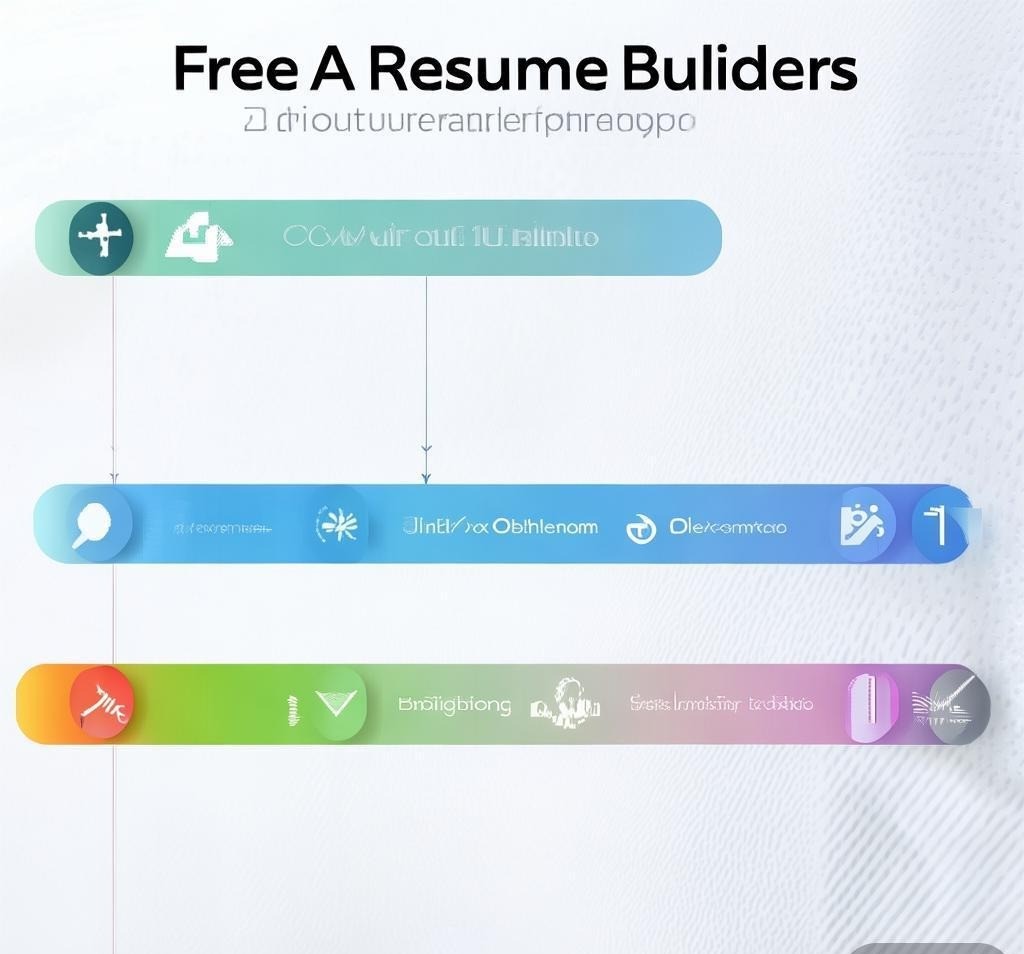
功能比較矩陣
使用 ChatGPT 作為免費履歷助理
通用人工智慧工具也可以充當強大的簡歷助理。 ChatGPT 可以免費使用,可以很好地處理一些與履歷相關的任務。為了更深入地了解,我們的 ChatGPT 排名和評論涵蓋了其全部功能。
以下是如何有效地使用 ChatGPT 來恢復工作:
- 項目符號重寫 — 貼上您目前的項目符號,並要求 ChatGPT 使用更強的動作動詞和量化結果來重寫它們。輸出的內容通常比專門的履歷製作者製作的內容更引人注目。
- 關鍵字提取 — 貼上職位描述並要求 ChatGPT 識別最重要的關鍵字和短語。將這些內容與您目前的履歷進行交叉引用,以找出差距。
- 產生摘要陳述 – 用簡單易懂的語言描述您的背景,並要求 ChatGPT 製作針對特定角色的專業摘要段落。
- 履歷客製化 – 提供您的主履歷和目標職位描述,然後要求 ChatGPT 建議要強調哪些經驗以及如何針對該特定職位重新表達它們。
限制是 ChatGPT 不處理格式化。將其與文件編輯器或範本結合。其他人工智慧寫作應用程序,請參閱我們關於人工智慧部落格文章產生器景觀的指南。
如何充分利用免費的人工智慧履歷產生器
您選擇的工具並不重要,重要的是您如何使用它。無論您選擇哪個平台,這些策略都適用。
從完整的主履歷開始
Before touching any AI tool, write out everything. Every job title, every responsibility, every quantified achievement, every certification, every relevant skill. Do not worry about length or formatting at this stage. This master document serves as raw material for the AI. The more input you provide, the better the output will be. A common mistake is starting with a skeletal outline and expecting the AI to fill in compelling details — it cannot invent your accomplishments, only rephrase what you give it.
Always Provide a Target Job Description
Every AI resume builder with keyword optimization requires a target job posting to analyze. Without one, the tool operates in generic mode. If you are applying to multiple roles in the same field, pick the most representative posting and use it as your optimization target.
Quantify Everything
AI tools are excellent at rephrasing content, but they cannot create metrics from thin air. Gather your numbers: revenue figures, team sizes, percentage improvements, project budgets, time saved. Feed them to the AI in raw form — “managed team of 12, increased sales by 34%” — and let the tool craft polished bullet points around those data points.
Review Every AI Suggestion Critically
AI-generated content is a starting point, not a finished product. Review every suggestion for accuracy, tone, and relevance. AI tools sometimes overstate achievements or use buzzwords that do not match your actual experience. Replace vague phrases like “driving strategic initiatives” with specific, truthful descriptions of what you actually did. For a broader set of productivity tools that complement your job search, browse the full collection at SEO Tio’s tools directory.
Quick Reference: Free AI Resume Builder Ratings
| Tool | AI Power | Free Download | ATS Focus | Ease of Use | Overall Free Value |
|---|---|---|---|---|---|
| Kickresume | ★★★★★ | Yes (PDF) | ★★★☆☆ | ★★★★☆ | ★★★★★ |
| Rezi | ★★★★☆ | Yes (PDF) | ★★★★★ | ★★★★☆ | ★★★★☆ |
| Teal | ★★★★☆ | Yes (PDF) | ★★★★☆ | ★★★★★ | ★★★★☆ |
| Resume Worded | ★★★★☆ | No | ★★★★★ | ★★★☆☆ | ★★★★☆ |
| Resume.io | ★★☆☆☆ | No | ★★☆☆☆ | ★★★★★ | ★★☆☆☆ |
Frequently Asked Questions
Are free AI resume builders actually safe to use?
Reputable platforms like Kickresume, Teal, Rezi, and Resume Worded are legitimate services used by millions of job seekers. Always review a platform’s privacy policy before uploading sensitive employment details, and never input financial or identity information into any resume builder.
Can ATS systems detect AI-generated resumes?
Current ATS platforms do not have AI detection capabilities. They scan for keywords, format compatibility, and content relevance — not for whether a human or machine wrote the text. The real concern is recruiter perception. If your resume reads as overly generic, that creates a credibility problem. Use AI as a drafting tool and personalize the output.
How many resumes should I create for different job applications?
Ideally, tailor your resume for each application. At minimum, create separate versions for distinct role types — for example, one for project management positions and another for program management roles. Tools like Teal and Rezi make this easier by allowing multiple resume versions. If you are using a tool that limits you to one free resume, keep a master document and manually adjust the emphasis for each application.
Do hiring managers care about resume design?
It depends on the industry. In creative fields — design, marketing, media — visual presentation matters and can be a differentiator. In more traditional industries — finance, law, engineering, healthcare — clean, conservative formatting is preferred. The safest approach is a well-structured, easy-to-read layout with consistent typography, which every tool in this guide can produce.
What is the biggest mistake people make with AI resume builders?
Accepting AI suggestions without critical review. The most common result is a resume that sounds professional but lacks specificity — full of phrases like “used cross-functional synergies” without concrete examples of what that means in your actual work. The quality of AI output is directly proportional to the quality and completeness of the input you provide.
Can I use a free AI resume builder for federal government applications?
Federal resumes follow a specific format that differs significantly from private-sector documents. They require more detail, specific information like GS codes and supervisor contact details, and do not follow standard one-to-two-page conventions. While you can use AI tools to help write content, you will need to format the final document according to USAJOBS requirements. None of the tools covered here produce federal-compliant resumes out of the box.
Final Verdict
For most job seekers who need a complete, free resume solution, Kickresume offers the best balance of AI capability, template selection, and genuinely free download functionality. Its GPT-4 powered content generation produces strong first drafts, the free PDF download has no watermarks, and the template library provides enough variety for most industries and experience levels.
If ATS optimization is your primary concern — and for most corporate job applications, it should be — Rezi is the stronger choice. Its rejection-proof analyzer and keyword targeting tools are specifically designed to help your resume survive automated screening, which is the single biggest hurdle in modern job applications. The free tier includes full resume creation and download capability, making it practical even on a zero-dollar budget.
For users managing a high volume of applications across different roles, Teal provides the best workflow. Its integrated job tracker combined with the ability to maintain multiple resume versions creates a system that scales with an active search. The match scoring feature gives you immediate, quantifiable feedback on how well each resume aligns with each position.
The most effective approach, for those willing to invest slightly more effort, is a hybrid strategy: use ChatGPT’s free tier for content generation and refinement, pair it with one of the dedicated builders above for formatting and ATS optimization, and apply the manual review strategies outlined in this guide. AI is a powerful assistant, but the resumes that consistently land interviews are the ones where human judgment shapes the final product. The tool gets you 80% of the way there. The last 20% — the specificity, the authenticity, the strategic emphasis — is where you make the difference.
Disclosure: This article was generated using AI tools and reviewed by our editorial team for accuracy and quality.
- Chowbuddy - AI culinary assistant for recipes and re
- SermonAI - AI-powered platform for pastors to strea
- Datarate - AI assistant providing relevant web info
- Infinite Talk AI - Audio-driven AI tool for talking avatars